


Your mom calls. Her joints have been hurting for a week. "It's probably nothing," she says.
But you're in Bangalore, and she's in Delhi, and probably nothing doesn't feel like enough. So you book a doctor's appointment. The doctor refers her to a specialist. The specialist orders tests.
Now you need her last prescription to show the specialist. You can't find it. She sends you a blurry photo of some paperwork—turns out it's the wrong document. You finally locate it in a WhatsApp thread from two months ago.
You book the tests. The lab emails her the results, but she doesn't forward them to you for three days. When the next appointment comes up, you've forgotten what the first doctor said because you didn't write it down.
Coordinating someone's healthcare remotely isn't hard because medicine is complicated. It's hard because the information lives in ten different places, and you're always one missing document away from starting over.
{{divider}}
The Cost of Scattered Health Records
Most of us aren't just managing our own health. We're juggling appointments for aging parents, making sure our partners follow up on that thing the doctor mentioned, tracking our kids' vaccination records.
And every time someone in your family sees a doctor, you become an accidental medical archivist:
- Digging through old WhatsApp messages for that prescription from March
- Trying to remember which specialist you saw for this exact issue last year
- Explaining the same medical history to three different doctors because nobody has the full picture
- Hoping you don't miss a follow-up appointment because you forgot to set a reminder
You're not a healthcare professional, you're just trying to make sure the people you care about get the right care at the right time.
But without a single place where everything lives, you're constantly playing catch-up.
{{divider}}
How Care Tab Works
We built the Care Tab because healthcare continuity shouldn't require a perfect memory or flawless filing system.
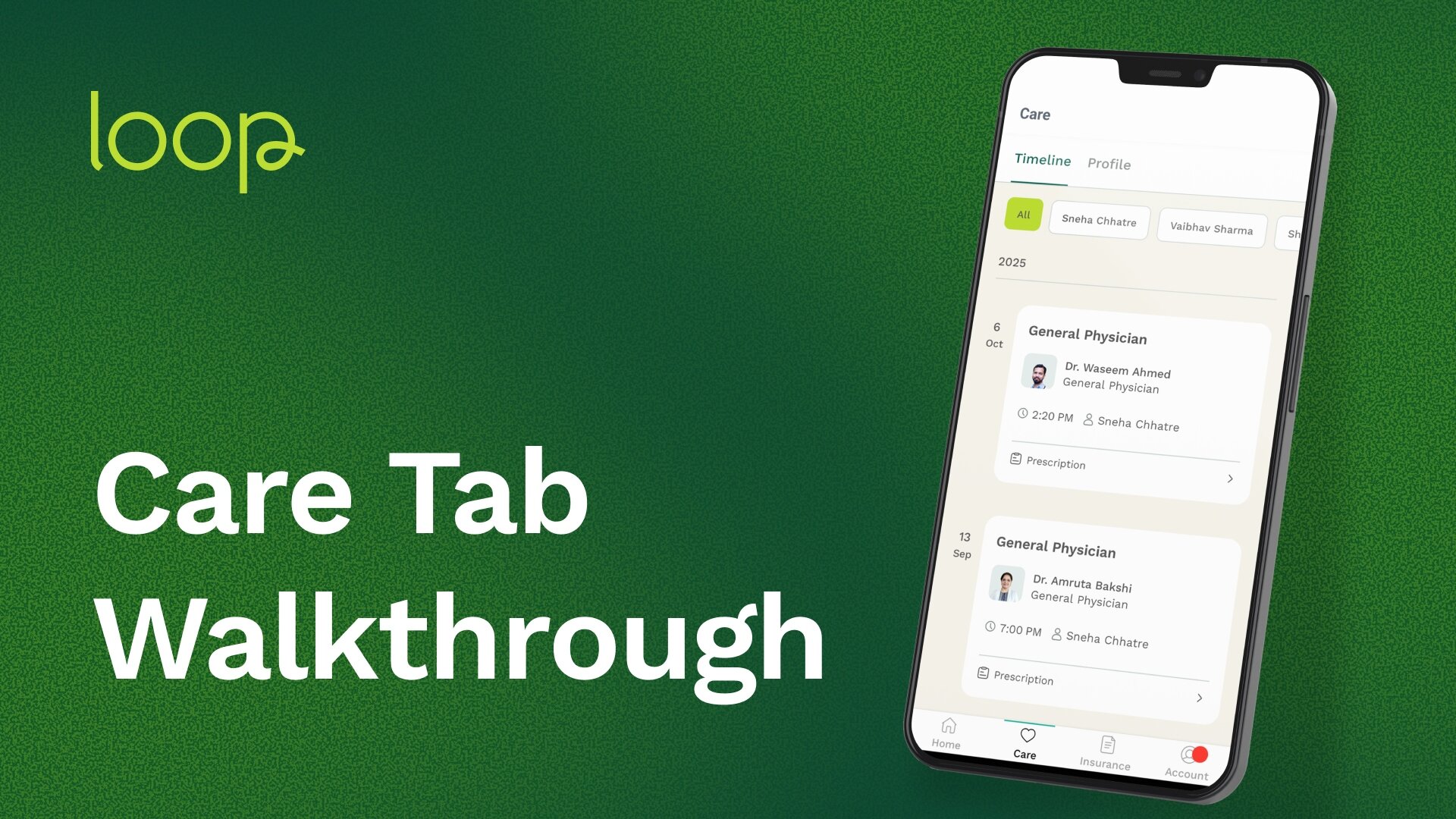
Every time you or anyone in your family (covered by your Loop insurance) interacts with Loop's healthcare services, it's automatically saved in your Care Tab. Doctor consultations, Medical Advisor chats, test results, and prescriptions are all arranged chronologically.
Not buried in email. Not lost in chat threads. Not scattered across three different apps.
Just there. Organized. Accessible whenever you need it.
{{divider}}
.png)
Everything You Get in Your Care Tab
One place for all health interactions with Loop
Every doctor consultation, every Medical Advisor chat, every prescription, every lab report. Automatically saved as it happens.
Your health timeline with full context
See the progression: when symptoms started, what treatments were tried, what worked, what didn't. Context that matters.
Guided care journeys
Your Care Tab shows you what to do next. Book a test? Schedule a follow-up? Talk to a specialist? The app guides you through the next step.
Complete family health management
Each family member covered under your Loop insurance gets a separate timeline. Switch between them with a tap. No mixing up who needs what.
Why Continuity of Care Changes Everything
Healthcare fails when information doesn't follow the patient.
You see a specialist who doesn't know what your primary care doctor recommended. You get tests done but forget to share the results with the doctor who ordered them. You start a medication and can't remember if the dosage changed at your last visit.
These gaps—small on their own—add up to misdiagnoses, duplicate tests, delayed treatment, and medications that don't work because nobody knew you were already taking something else.
The Care Tab closes those gaps. Not by adding more work to your plate. But by making sure the information follows you automatically.
How to Open Your Care Tab
- Open the Loop app (make sure it's updated to the latest version).
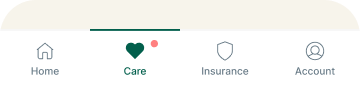
- Tap Care at the bottom of your screen.
That's it. Your health history—organized, accessible, and always with you.
Watch this video to see how the Care Tab works
{{divider}}
Frequently Asked Questions About Care Tab
- What exactly is the Care Tab and how does it work?
The Care Tab is a feature inside the Loop app that automatically organizes your complete health history in one timeline. Every doctor consultation, Medical Advisor chat, prescription, and lab report is saved and arranged chronologically—so you never have to search for old health records again. - Is the Care Tab automatic or do I need to save things manually?
Everything happens automatically. When you interact with Loop's healthcare services—whether it's chatting with a Medical Advisor, consulting a doctor, booking a test, or receiving a prescription—it's immediately saved to your Care Tab without any action needed from you. - Can I manage my family's health records in one place?
Yes, if your family members (spouse, parents, children) are covered under your Loop insurance policy. Each family member gets their own separate timeline in the Care Tab, and you can switch between them with a tap. - Will my doctor see my complete medical history before appointments?
Yes. When you book a consultation with a Loop doctor, they can review your previous consultations, test results, and medical history from your Care Tab before the appointment starts. This means you spend less time repeating yourself and more time getting the care you need. - How much health history does the Care Tab store?
Your Care Tab includes all your interactions with Loop from the moment you started using the service. Everything is stored chronologically, so you can scroll back through your complete health history with Loop.
{{divider}}
Have questions about your Care Tab?
Loop's Medical Advisors are available 24/7. Open the Loop app and start a chat.


